If you're decorating a room in your home and you're nervous to pull the trigger on spending all of your hard earned money, I suggest you create a design board (or mood board as it's commonly referred to) to help you become more confident about your selections and ensure you love all of your choices before you spend any money.
So with that being said, today I'm going to show you a quick and easy way to create a mood board for your interior decorating project.
Here is a video that walks you through the entire process. I've kept the pace fairly slow to ensure newbies could follow along, so feel free to increase the video speed if you feel it's moving too slowly for you.
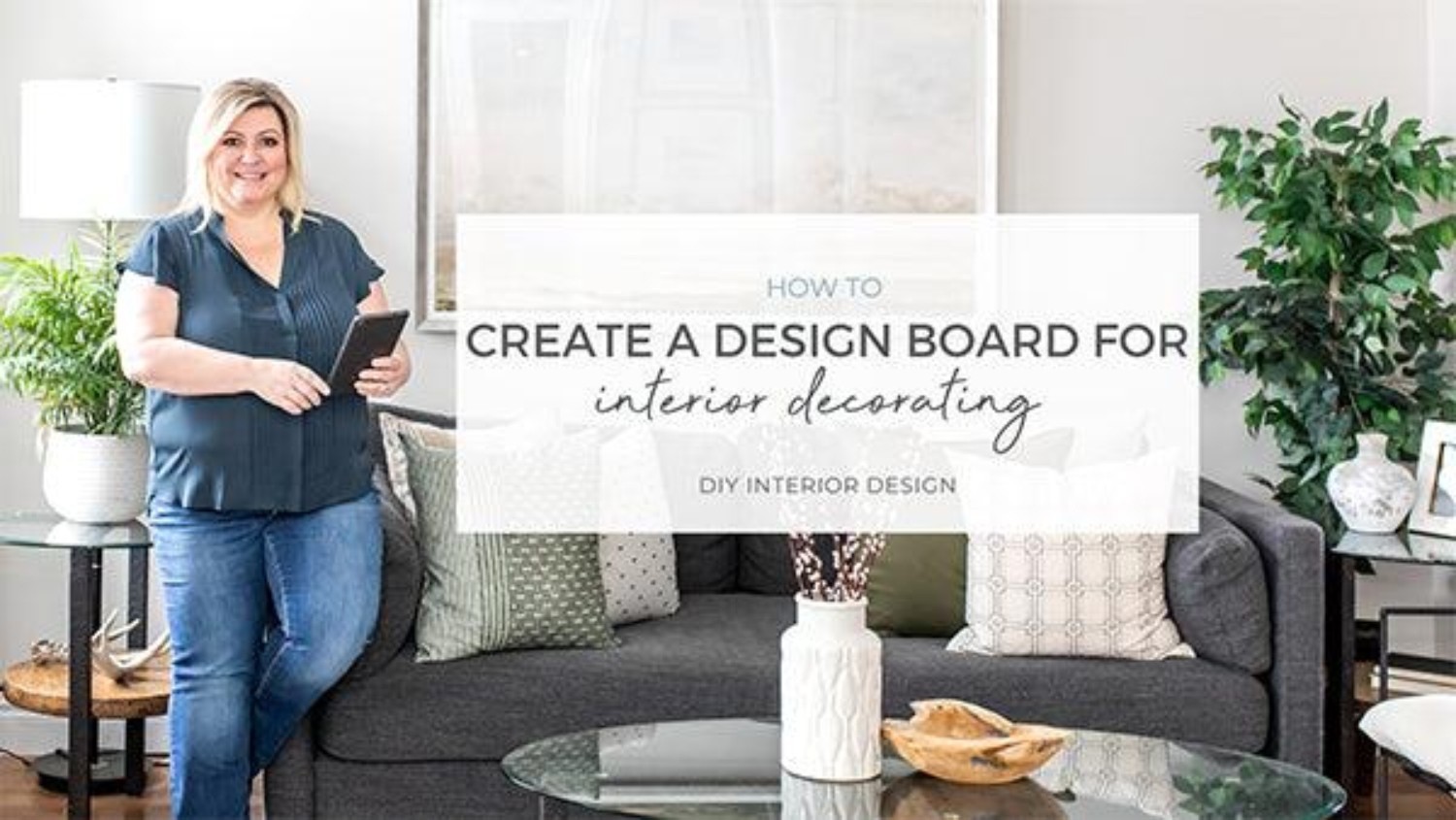
Here's a quick re-cap:
1. Gather all of the furniture and decor you are considering in one place. I suggest Pinterest.
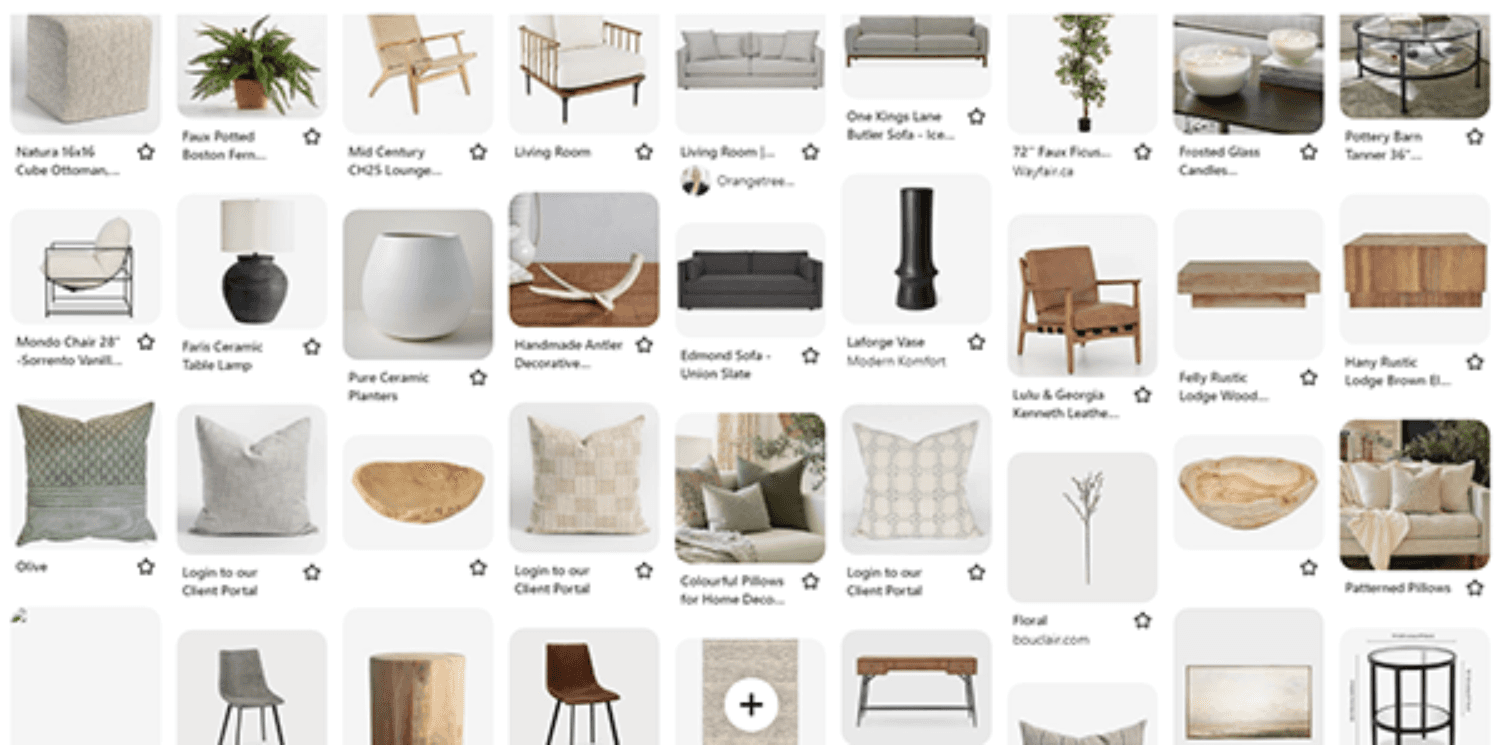
2. Make sure you have a tool for screenshotting. I use Greenshot.
3. Screenshot each of the furniture and decor pieces you would like to use in your design and save them to a folder on your computer.
4. Upload all of your furniture and decor pieces into a program or app that allows you to edit images easily. I recommend Canva. It's free and very user friendly.
5. Add all of your furniture and decor selections to your Canva design board placing everything on the board in they same way you would in the room. Remove any undesired backgrounds and size items accordingly for best scale and proportion representation (watch the video for a better explanation)
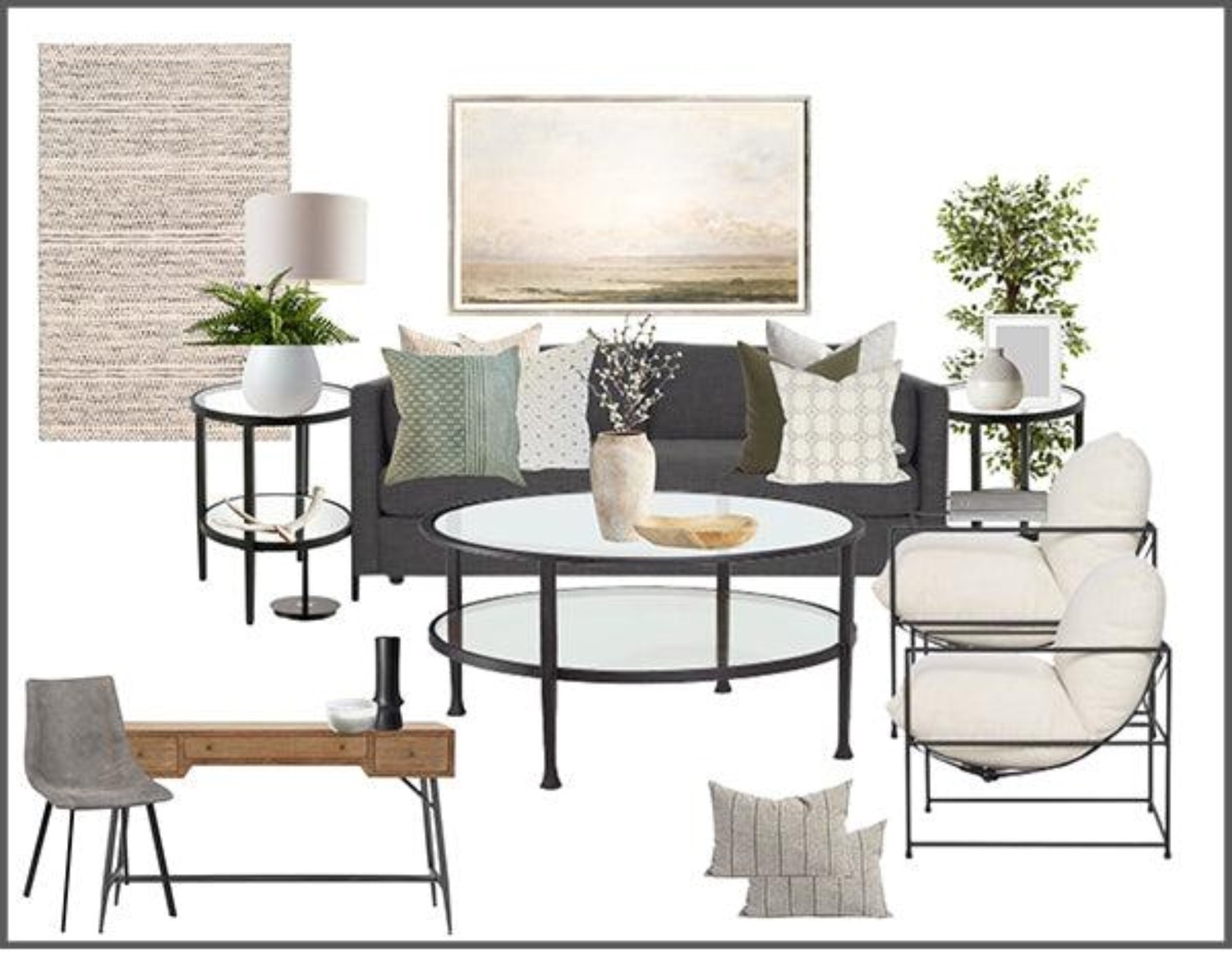
6. Swap out any pieces you aren't loving with alternatives that work in the design.
7. Once you're happy with the overall look and feel, measure and use painter's tape to map out the furniture and wall decor in your room to ensure that everything will fit well in your space and will fit though your front door.
8. If everything fits, order all of your furniture and decor to your home and enjoy!
I hope you found that helpful.
Let's talk about your project. No pressure, no obligation, just a friendly conversation about your vision and how we can help bring it to life.